
Manage Slide Decks as Data, Not Files
You can run all your presentations from one system where slides are rows in a table — title, order, image, deck — and a fullscreen web presenter renders whichever deck you pick with arrow-key navigation and a progress bar. Adding, reordering, hiding, or regrouping slides means editing rows, not editing files or code, and one presenter serves every deck you'll ever make.
Slide Deck Presenter
Turn slide images into a fullscreen, keyboard-navigable deck you manage as table rows — not code.
Stand up an image-based slide presenter where slides are rows in a table Mind (title, order, image URL, deck, active) and a React frontend renders them fullscreen with keyboard navigation, multi-deck switching, and a progress indicator — so you add, reorder, hide, or regroup slides by editing rows, never the code
What you can do
Store slides as table rows — one row per image, ordered by a decimal order field
Render a fullscreen, keyboard-navigable presenter with a progress indicator
Add, reorder, or soft-hide slides by editing rows, with no code changes
Reuse one system for every presentation — each deck is a project, switchable in one frontend
Keep image files in a separate storage Mind and reference them by URL
Try saying
“Build me a slide presenter from a table of images”
“Set up a fullscreen image deck I can navigate with arrow keys”
“Create a presentation tool where slides are rows I can reorder”
When the assistant uses this
Use when the user wants an image-based slide deck or presentation tool: slides stored as rows in a table Mind and rendered fullscreen by a frontend with keyboard navigation, decimal ordering, multi-deck switching, and soft-hide. Build the reusable plumbing once with generic names (storage Mind + Slides table + presenter) and do not interrogate the user about content, images, or topic — each deck is a project the user adds later by adding slides with a new deck name. Slides are data, not code. Compose space-management for the Minds and frontend-builder for the presenter. Not for authoring text/markdown slides or a generic dashboard.
Works well with

Frontend
Frontend Builder
Ship customer-facing React pages wired to your minds, agents, and assistants.
Knolo Skill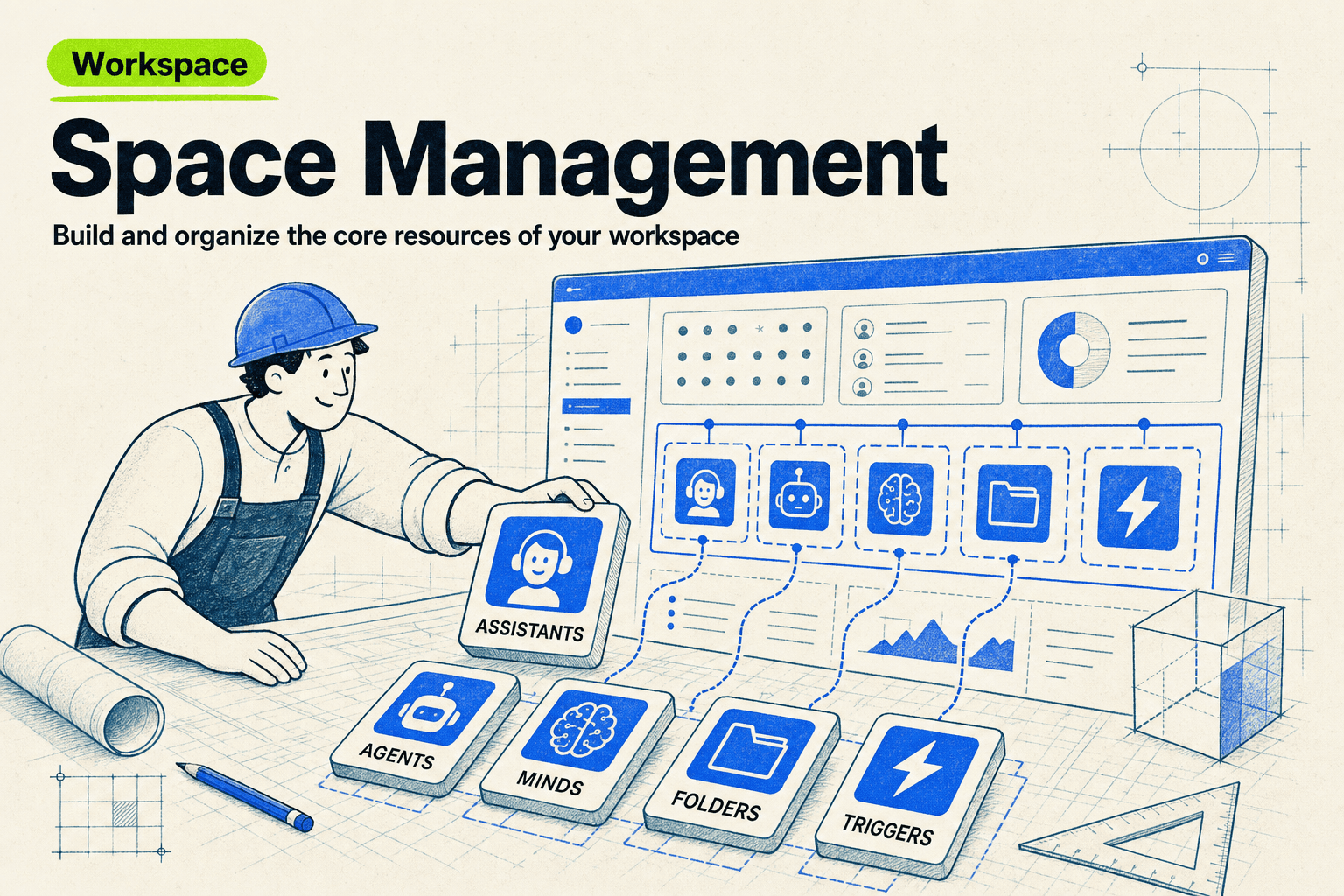
Workspace
Space Management
Build and organize the core resources of your workspace.
Knolo Skill
Automation
Branded Image Studio
Turn a swipe file of inspiration into on-brand thumbnails and image ads.
Knolo SkillHow does Slide Deck Presenter work?
Loads the slide presenter playbook for assembling an image storage Mind (the files), a Slides table Mind whose rows carry title, order, image URL, scene, active, and deck, and a React frontend that fetches the rows, sorts them client-side by order, and renders them fullscreen with keyboard navigation, a deck switcher, and a progress indicator. It encodes the load-bearing rules — sort client-side, soft-hide with active:false, use decimal order values to insert between slides, keep images in a storage Mind and reference URLs from the table, and use a relative-positioned full-height layout — so slides stay data the user manages by editing rows rather than code.
What phrases trigger this Skill?
“slide presenter”
“presentation tool”
“image slide deck”
“fullscreen slides”
“navigate slides with arrow keys”
“deck from a table of images”
“reorderable slide deck”
Frequently asked questions
How do I add or reorder slides?
Edit the table. Each slide is a row with an order value — decimal ordering means inserting a slide between 2 and 3 is just giving it order 2.5. Setting a row inactive hides the slide without deleting it.
Can I keep multiple presentations in one system?
Yes — each row carries a deck name, and the presenter has a deck switcher. A new presentation is just new rows with a new deck name; it appears automatically with no new setup.
What are the slides made of?
Images. Slide images live in a storage area and rows reference them by URL — which pairs naturally with AI image generation: have your visuals generated on-brand, drop them in as rows, and present.
Does it work for live presenting?
Yes — the presenter is a fullscreen web page with keyboard navigation and a progress indicator, so you present from any browser. Because it's a published frontend, sharing it is sharing a link.