
Post to Social Media with an AI Assistant
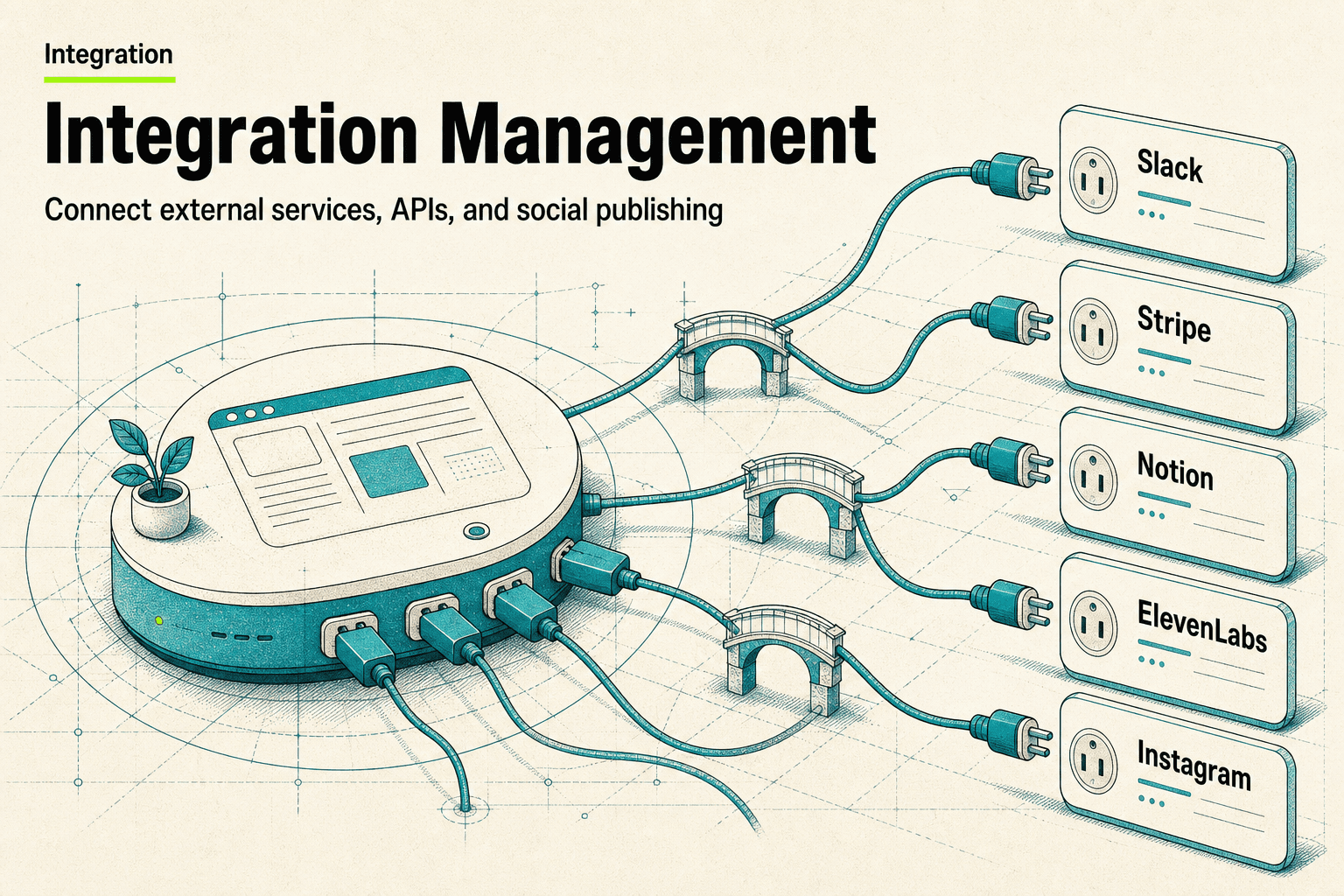
You can publish to your connected social accounts by asking: the assistant resolves which account, page, or board to post from, then publishes text, photo, or video posts to platforms like Instagram, TikTok, LinkedIn, X, Facebook, YouTube, and Pinterest through the Upload-Post connector. The same connection reads your analytics — profile metrics, per-post performance, and impressions across platforms — so publishing and reporting live in one conversation.
Social Publishing
Publish posts to connected social platforms and read analytics.
Publish text, photo, and video posts to connected social platforms via Upload Post, and read profile, post, and platform analytics.
What you can do
Publish posts to connected social accounts
Target the right page, board, or platform
Read profile and post analytics
Try saying
“Post this to LinkedIn”
“Publish a photo to Instagram”
“Show my social media analytics”
When the assistant uses this
Use when the user wants to publish content to social platforms or read social media analytics. Requires the Upload-Post connector.
How does Social Publishing work?
Loads guidance for publishing text, photo, and video posts to connected social platforms through the Upload-Post connector, resolving the correct destination page or board, and reading profile, post, platform, and impression analytics. The publishing and analytics tools are unlocked only when this Skill is loaded and the Upload-Post connector is configured.
What phrases trigger this Skill?
“post to instagram”
“post to linkedin”
“publish a tweet”
“schedule a social post”
“social media analytics”
“post a video”
Frequently asked questions
Which social platforms can the assistant post to?
Whatever you've connected through the Upload-Post connector — typically Instagram, TikTok, LinkedIn, X, Facebook, YouTube, and Pinterest. Text posts suit X, LinkedIn, and Facebook; photo posts suit Instagram, TikTok, and LinkedIn; video posts suit TikTok, Instagram, and YouTube.
Will it post without asking me first?
No. The assistant confirms which platform and account you mean before publishing, and resolves the exact destination — a Facebook Page, LinkedIn company page, or Pinterest board — from your real connected accounts rather than guessing.
Can it report on how my posts performed?
Yes. The same connection reads analytics: profile-level metrics like followers, impressions, and reach per platform, per-post metrics for individual posts, and aggregate impressions across everything you've published.
What do I need to set up first?
The Upload-Post connector must be configured for your workspace, with your social accounts connected to it. Once that's in place, publishing and analytics are available in any conversation after loading the Skill.
How does this fit with AI content pipelines?
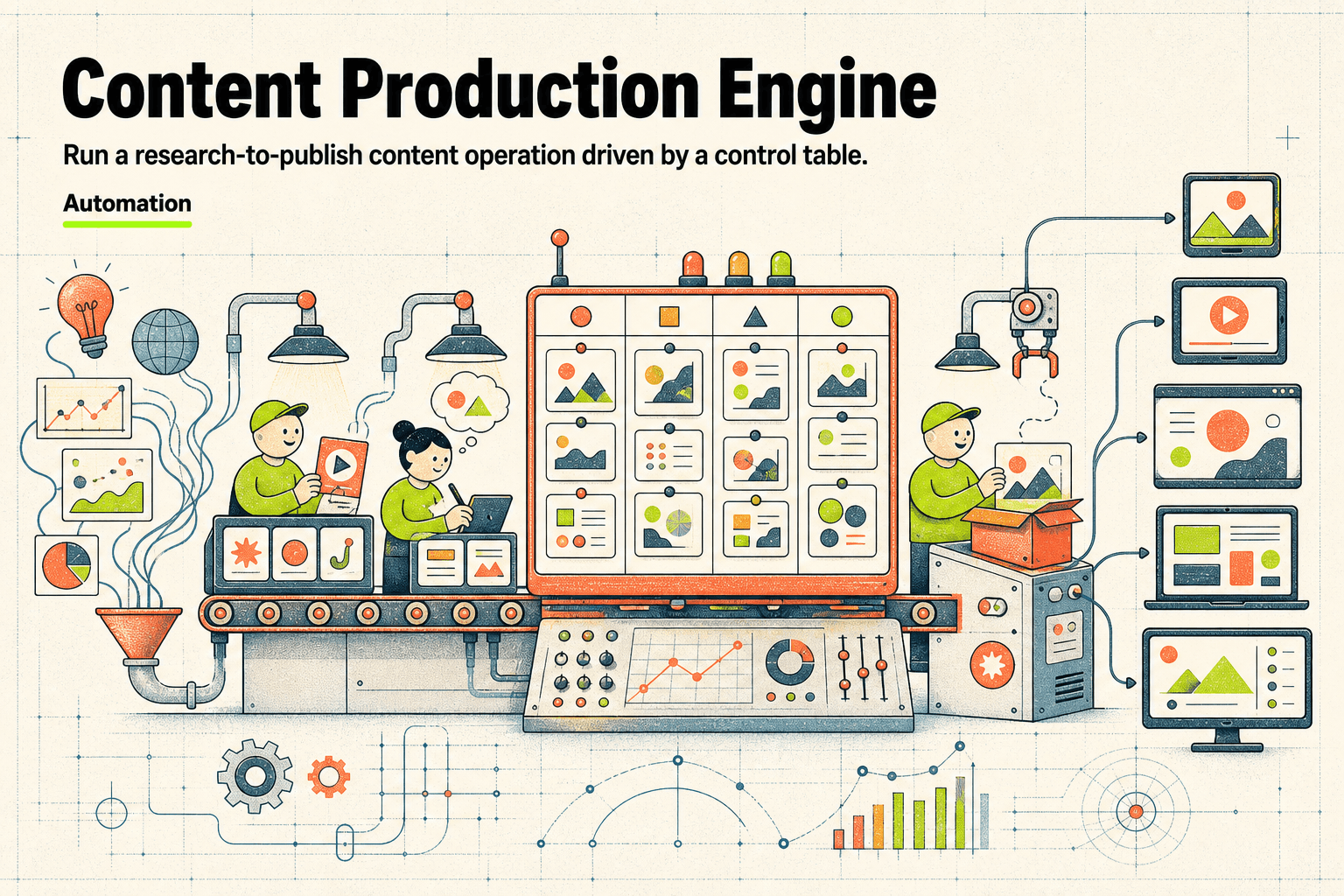
It's the last mile. Content systems that research, write, and package posts can end with an actual publish to your channels instead of a draft you copy out — and the analytics feed back in, so the pipeline can learn what performs.