
Import Your ChatGPT or Claude Memory
You can migrate the memory ChatGPT or Claude has built up about you instead of rebuilding that context by hand. The import guides you through exporting your saved memories, then sorts each item into the right place: durable facts into a searchable knowledge base, tone and format preferences into assistant instructions, and recurring workflows into automation suggestions — discarding stale one-off noise.
Memory Import
Bring everything ChatGPT or Claude remembers about you into your Space.
Migrate your saved memory from ChatGPT or Claude into a Space — export it as text, then sort it into searchable knowledge Minds, assistant instructions, and recurring workflows instead of dumping it all in one place
What you can do
Export your saved memory from ChatGPT or Claude as text
Import that context into a Space without rebuilding it by hand
Sort memory into knowledge, preferences, and recurring workflows
Land durable facts in an indexable Mind your agents can search
Turn behavior preferences into assistant instructions, not noise
Try saying
“Import my ChatGPT memory into this space”
“Bring my Claude memory over to Knolo”
“Here's everything ChatGPT remembers about me — set it up”
When the assistant uses this
Use when the user wants to bring saved memory or remembered context from another AI assistant (ChatGPT, Claude, and similar) into a Space. Covers guiding the manual export, ingesting the pasted text, and mapping it to the right resources — an indexable Mind for durable facts, assistant instructions for tone and format preferences, and Skill suggestions for recurring workflows.
Works well with
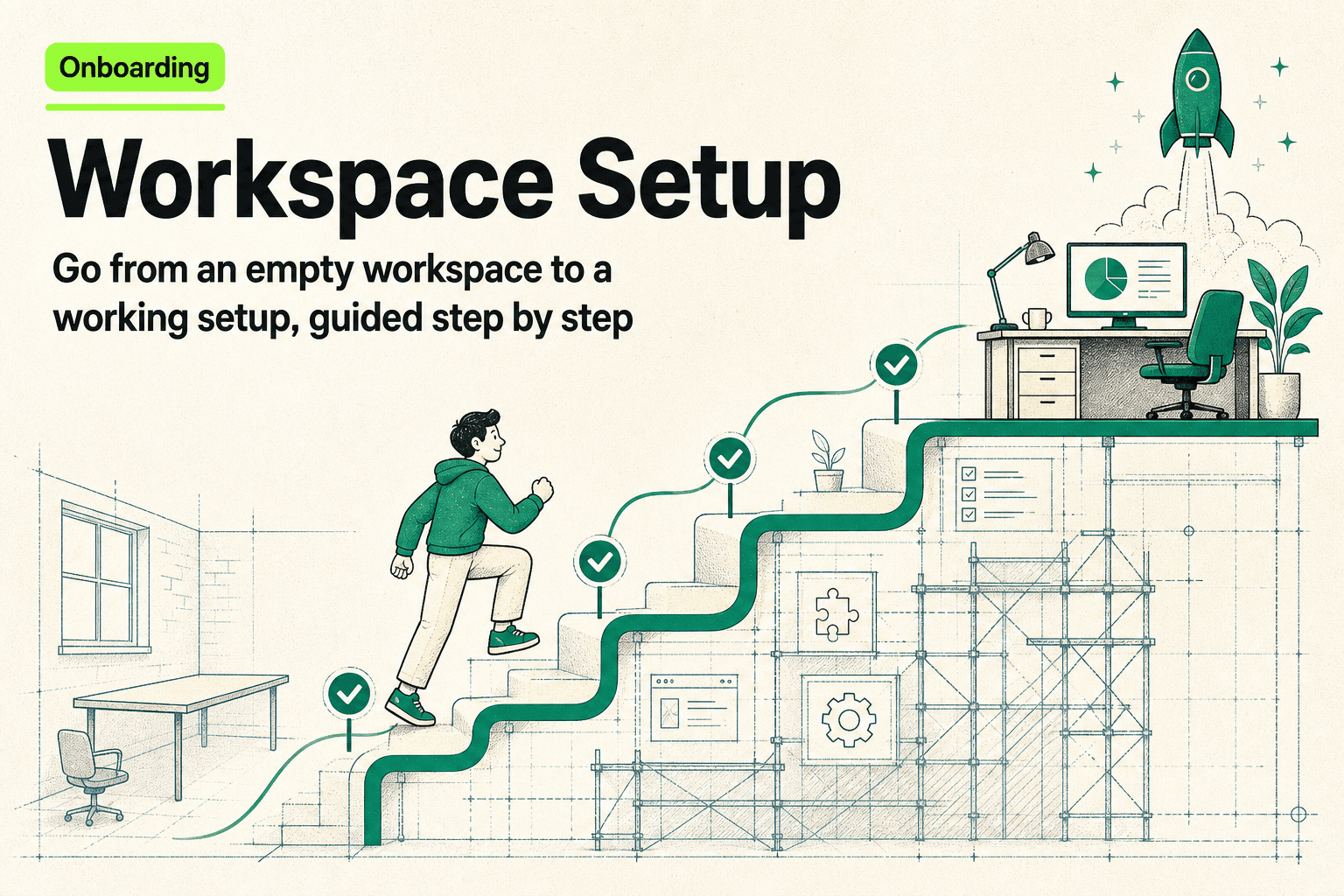
Onboarding
Workspace Setup
Go from an empty workspace to a working setup, guided step by step.
Knolo Skill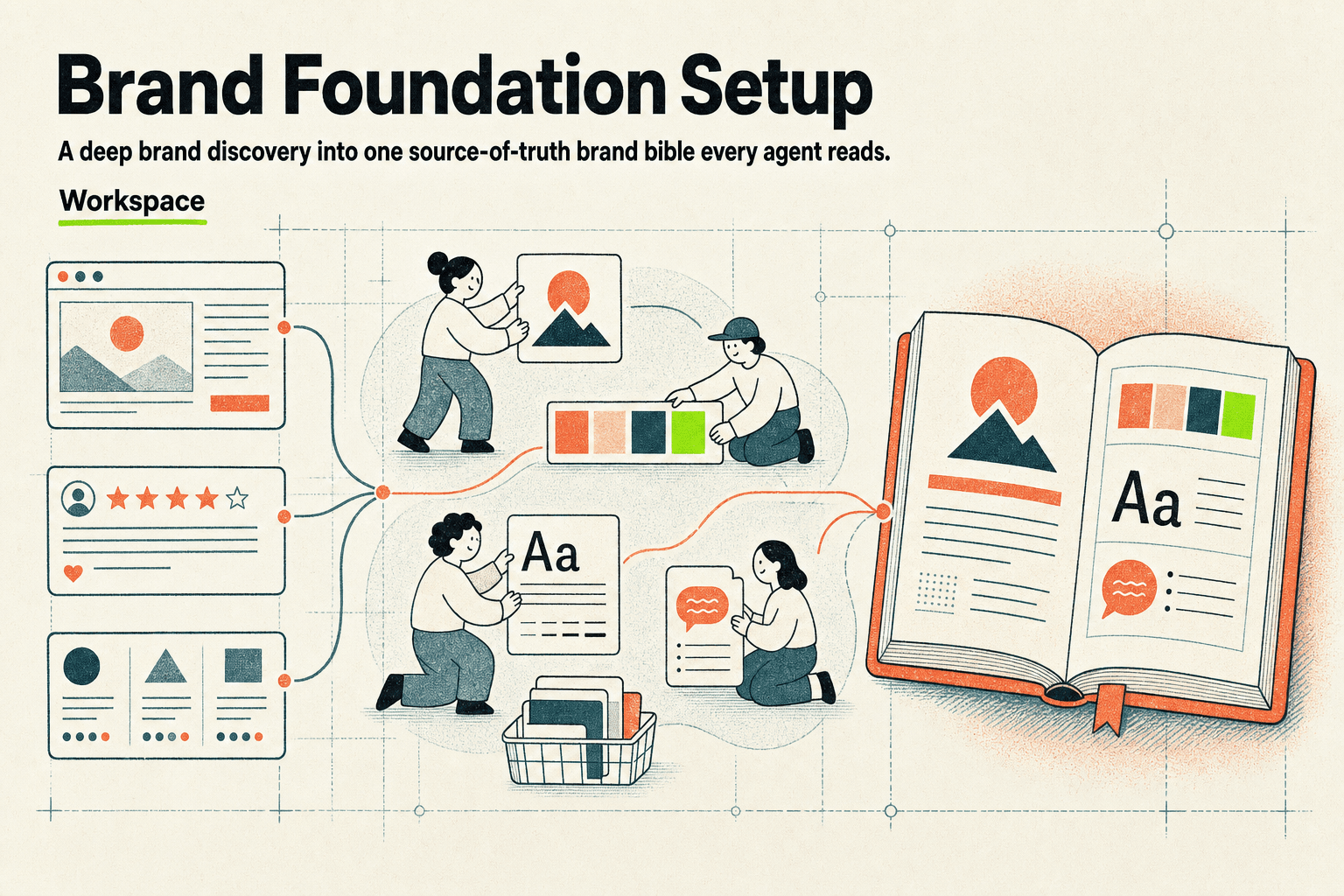
Workspace
Brand Foundation Setup
Run a deep brand discovery — including real logos, design tokens, and a mood board — into one source-of-truth brand bible every agent reads.
Knolo Skill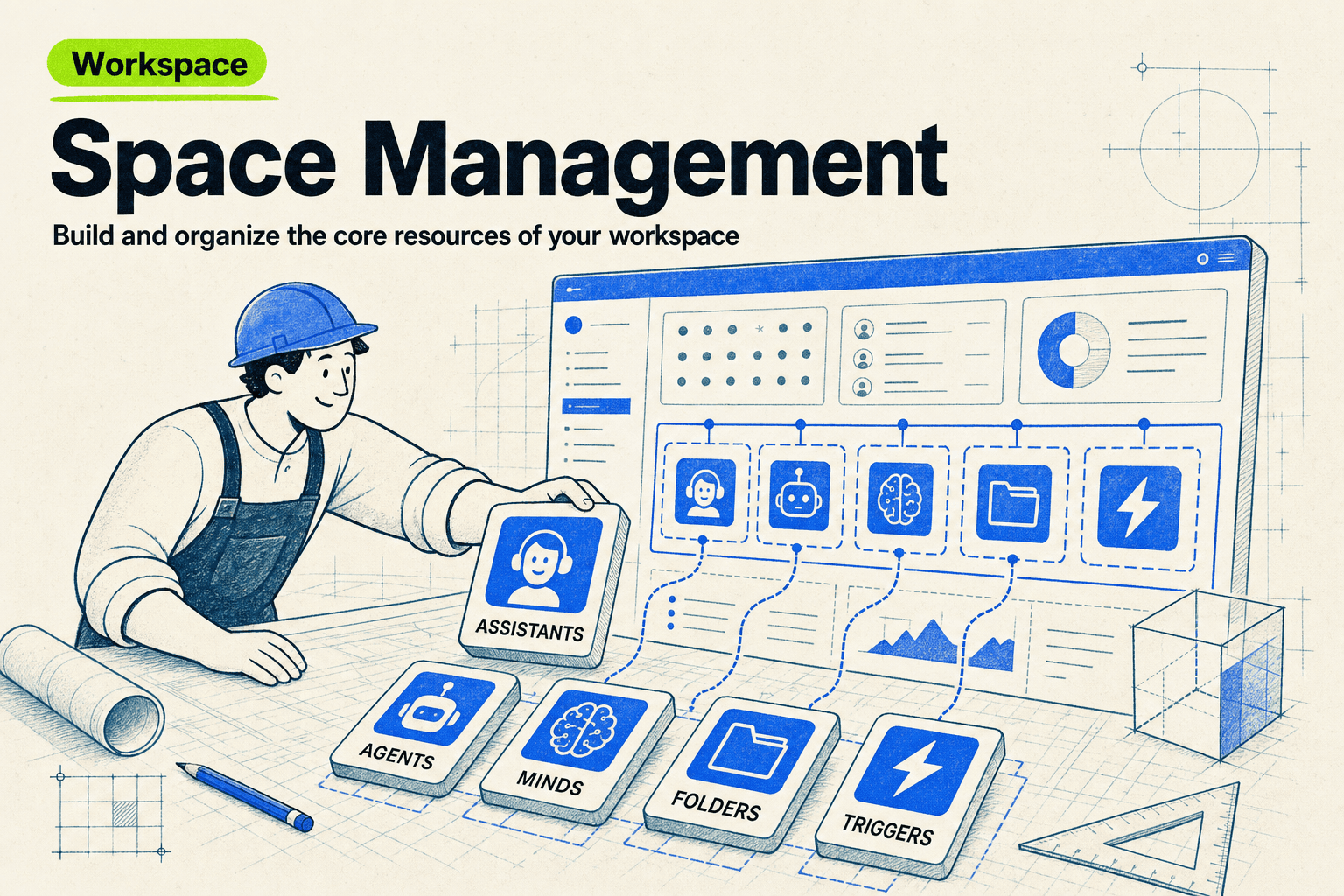
Workspace
Space Management
Build and organize the core resources of your workspace.
Knolo SkillHow does Memory Import work?
Loads the memory import playbook: it tells the user exactly how to export their saved memory from ChatGPT (Settings → Personalization → Manage memories) and Claude (Settings → Capabilities → View and edit your memory), or to ask their assistant to print its memory verbatim — since neither provider offers a clean one-click memory file. It then ingests the pasted text and classifies each item: durable knowledge and reference facts into an indexable Mind, behavior and tone preferences into assistant instructions, recurring workflows into Skill suggestions, and stale or one-off noise discarded — confirming the mapping with the user before creating anything.
What phrases trigger this Skill?
“import my chatgpt memory”
“bring my claude memory”
“migrate my ai memory”
“here's what chatgpt remembers about me”
“move my assistant memory to knolo”
“import memory from another ai”
Frequently asked questions
How do I export my memory from ChatGPT or Claude?
Neither provider offers a one-click export file, but both let you view your saved memories: ChatGPT under Settings → Personalization → Manage memories, Claude under Settings → Capabilities → View and edit your memory. You can also simply ask the assistant to print everything it remembers about you, then paste the text.
Why sort the memory instead of importing it as one document?
Because different kinds of memory are useful in different places. A fact ('my company sells B2B software') belongs in searchable knowledge; a preference ('keep answers short') belongs in assistant instructions; a habit ('every Monday I summarize my pipeline') is really a workflow to automate. One pile makes all three weaker.
Will anything be created without my approval?
No. The import classifies your items and proposes a mapping — what becomes knowledge, what becomes instructions, what's suggested as a workflow, what's discarded — and you confirm it before anything is created.
Can I import from assistants other than ChatGPT and Claude?
Yes — the flow works with any assistant whose remembered context you can get as text. Export or copy what it knows about you, paste it in, and the same classification applies.