
Set Up Your AI Workspace in Minutes
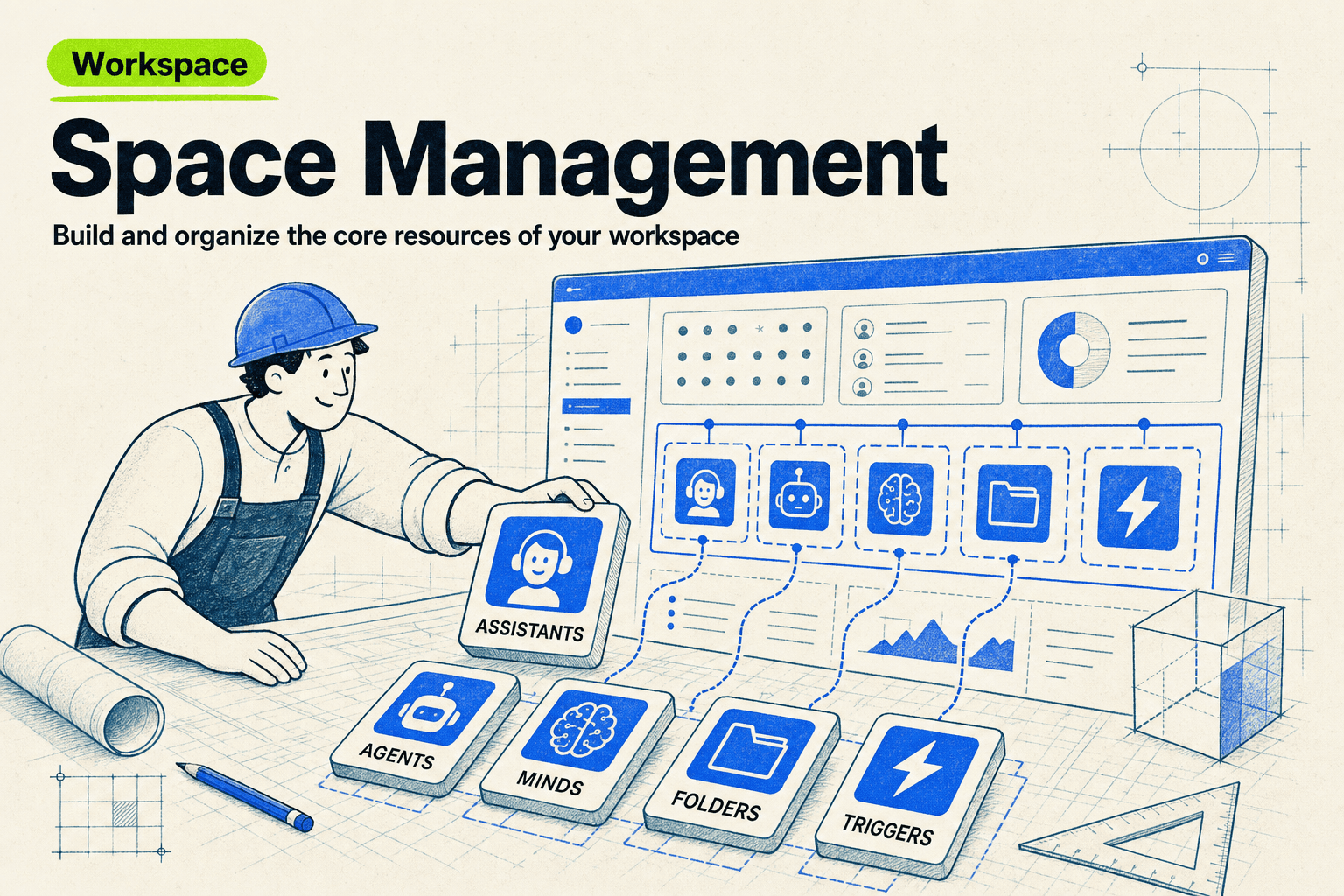
You can go from an empty workspace to a working AI setup in one guided conversation. The setup assistant asks what you do, looks at your website if you share it, and creates starter knowledge bases and assistants tailored to your context — then hands off to deeper setup flows for things like brand discovery or automation when you need them.
Workspace Setup
Go from an empty workspace to a working setup, guided step by step.
Help users set up their workspace with AI-guided minds and assistants
What you can do
Discover your context and goals
Create starter minds and assistants
Hand off to deeper setup Skills when needed
Try saying
“Help me set up my workspace”
“Onboard me — here is my website”
“I'm new here, where do I start?”
When the assistant uses this
Use when the user wants guided setup for a new or underconfigured workspace.
How does Workspace Setup work?
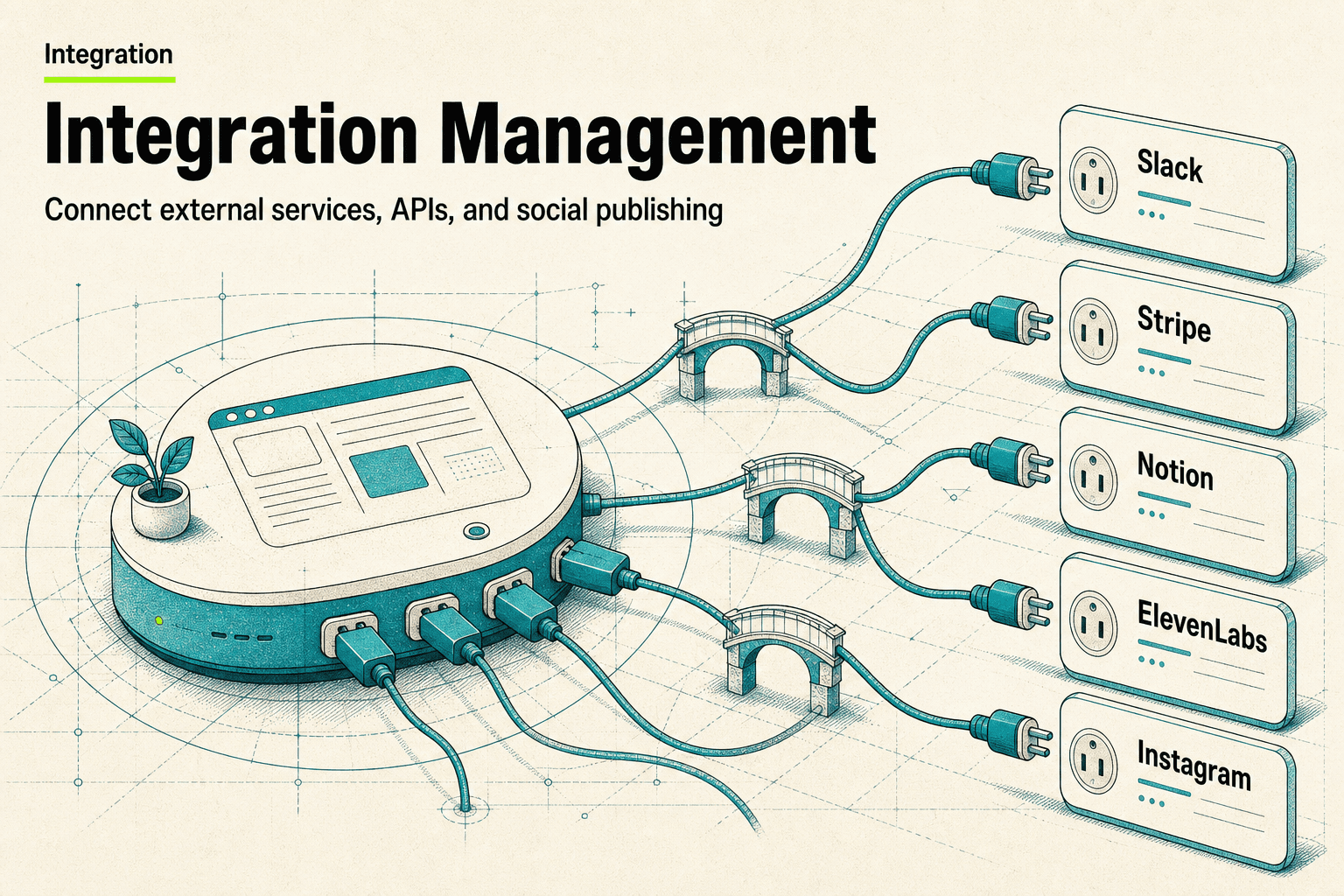
Loads the workspace setup prompt for discovering the user's context, mapping their needs, and coordinating space-management and integration-management when resources need to be created. It supports both user-led and agent-led onboarding flows.
What phrases trigger this Skill?
“set up my workspace”
“onboard me”
“help me get started”
“new workspace setup”
“configure my workspace”
Frequently asked questions
How long does setup take?
A basic working setup — your context captured, starter Minds and an assistant configured — typically takes one short conversation. Deeper systems like content pipelines or outreach engines are separate guided setups you can run afterward.
Can it use my website to personalize the setup?
Yes. Paste your website, product page, or any link and the setup uses it to understand your business, audience, and tone, so the assistants and knowledge bases it creates start from your real context instead of a blank slate.
Do I need any technical knowledge?
No. The whole flow is conversational — you answer questions about what you do and what you want, and the workspace is configured for you. There is no code, no node canvas, and nothing to install.
What if I already know what I want to build?
Tell it. The setup flow hands off to specialized blueprints — newsletter operations, content pipelines, lead outreach, brand discovery — so describing your goal up front routes you straight to the right guided setup.